
Portal
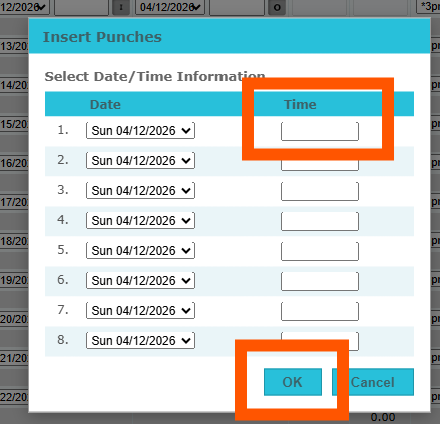
• Insert Punch: If you’re using Swipe & Go, missed punches can disrupt the order of time pairs on a timecard. Previously, correcting this required manually adjusting multiple punches. With the Insert Punches feature, you can quickly add missing punches and automatically reprocess the affected day. This saves time and reduces manual edits.
**See our new article Insert Missing Punches on a Timecard (Swipe & Go) for instructions on how to utilize this feature!
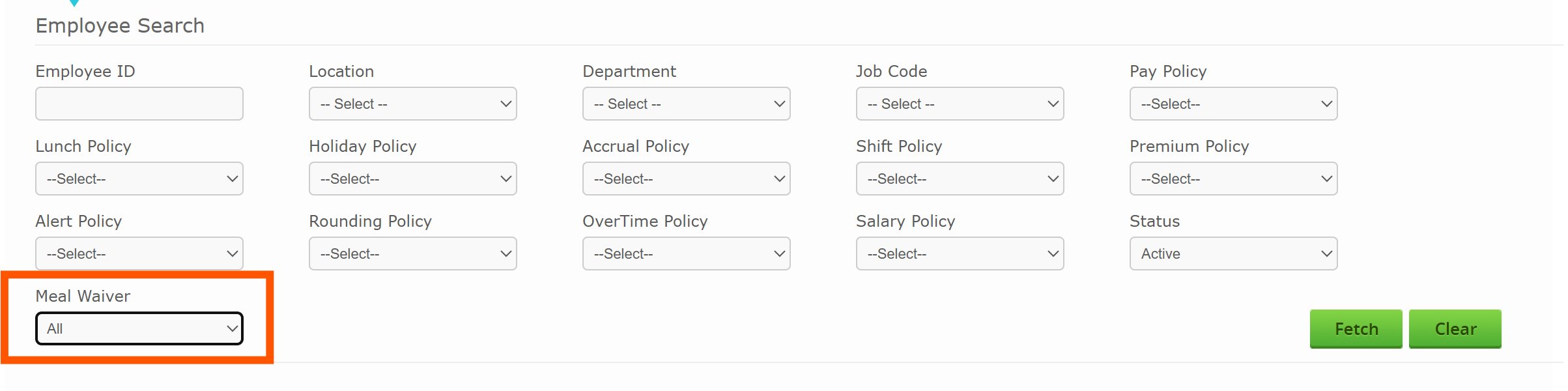
• The ability to update Active/Inactive for Meal Waiver via the Mass Update tab was added. It was also added to the filter options at the top for easy navigation.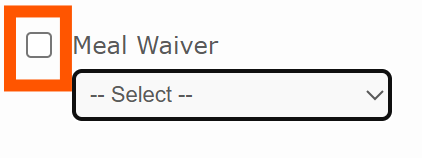
• Fixed an issue regarding the ability to scroll on an Employee's Assignments tab when there were more assignments than the page limit allowed.
Reports
• The Pay Category Hours report was enhanced to now allow unpaid pay category hours to populate when pulling the report. There is an option to include Unpaid Hours prior to fetching the report that must be selected in order for these hours to populate.
• Added an additional column, “Approved By,” to the Payroll Summary report. To access this report, navigate to Reports>Timecard>Payroll Summary.