This article explains how to configure a portal integrated with Greenfield TempServ software.
About the integration
Each Staffing agency in Greenfield maps to a Partner/Agency in Timerack. For each Agency, Greenfield (Rodney & Mike) provide SFTP Username (Franchise name + DB CODE) to (Timerack Onboarding Team). Timerack IT will create SFTP credentials. Once Timerack IT provides those to Onboarding, Onboarding will add credentials to Partner/Agency page. These will be used by Timerack to upload the client's Pay file to SFTP site. SFTP Credentials will be provided to Greenfield (Rodney & Mike) by Timerack Onboarding team and saved in Greenfield to automatically pull pay files. 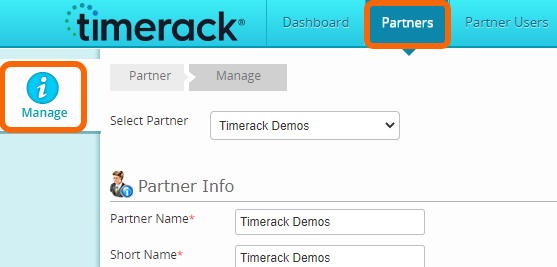
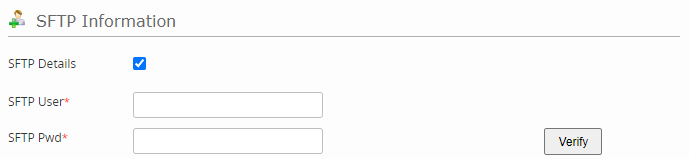
Each client of an Agency will map to a client portal in Timerack under the corresponding Partner/Agency. Greenfield (Rodney & Mike) will provide Timerack Onboarding team a unique Client Key to use at the time of setup. Timerack will provide the Client Key to the Agency to enter in the Greenfield software. See Activate Timerack in Greenfield TempServ.
Rodney Hawkins rodney@gfsw.com
Mike Baumgardner mike@gfsw.com