
This article explains where fields from Assignments integrations are mapped in Timerack.
When Employee Data and Assignments are received through integrations, input is required so that the data appear in the intended fields in Timerack. The Assignments mappings determine which Timerack fields the data from the integrated software populate. The mappings are created at the Admin level in Timerack under Billing>Map Assignments (MapAssignments.aspx)
Navigate to the Map Assignments page
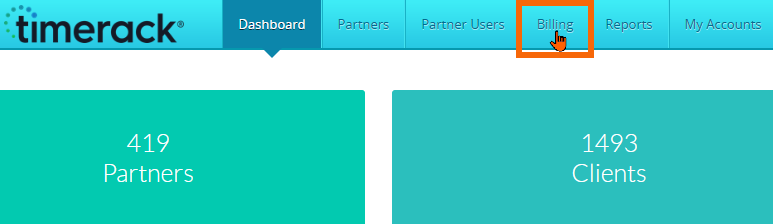
1) From the Admin Dashboard, select Billing in the top navigation menu.
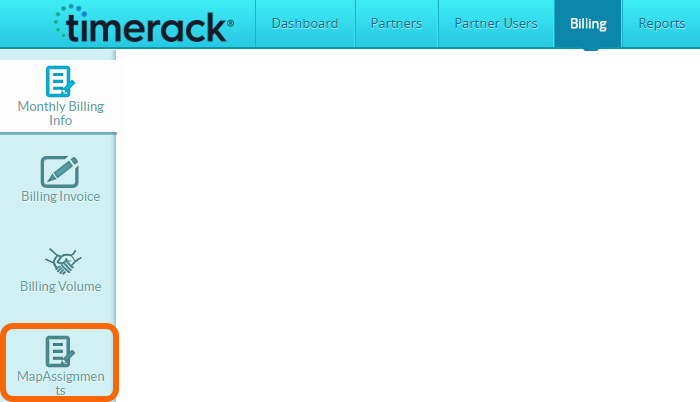
2) Select the Map Assignments option on the left navigation menu.
| Import Category represents the integration partner | 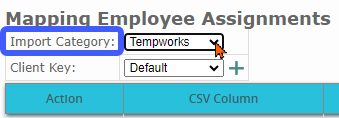 |
| Client Key is the Client ID for the portal, set on the client management page (Timerack/Partner/Clients.aspx) | 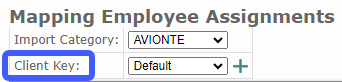 |
"Default" Client Key is the mapping that automatically applies to all portals for the selected Import Category (integration partner). When a client requires a mapping that differs from the Default, a custom mapping must be added using the Client Key applicable to that portal.
| To add a new mapping, first select the applicable Import Category and then click the plus sign (+) next to the Client Key dropdown. | 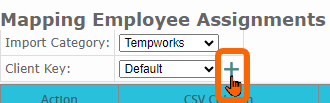 |
| When the mapping has been set up, it will be available on the Client management page in the Assignment Mapping dropdown. | 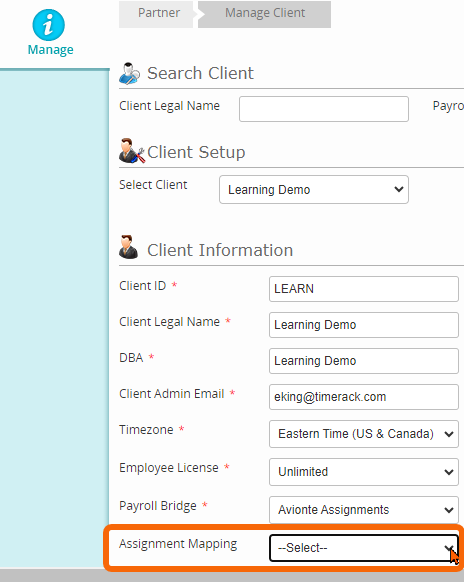 |