
When a kiosk with cellular service is ordered, the cellular service must be activated with Verizon prior to shipping.
This article explains how to set up a cellular service plan with Verizon.
|
1) Log in to Timerack's Verizon Business Account here.
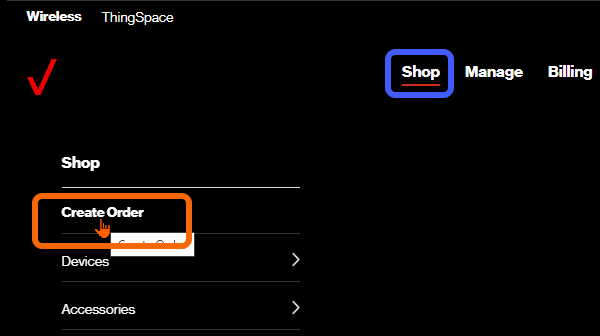
2) Click Shop in the top navigation menu.

3) Click Create Order.
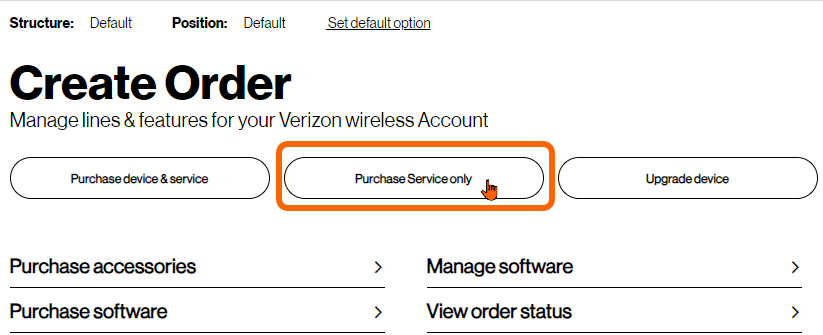
4) Click the Purchase Service only button. If you are asked to set up a new account, you do not have the appropriate permissions; if this occurs, contact the Timerack account owner for assistance.
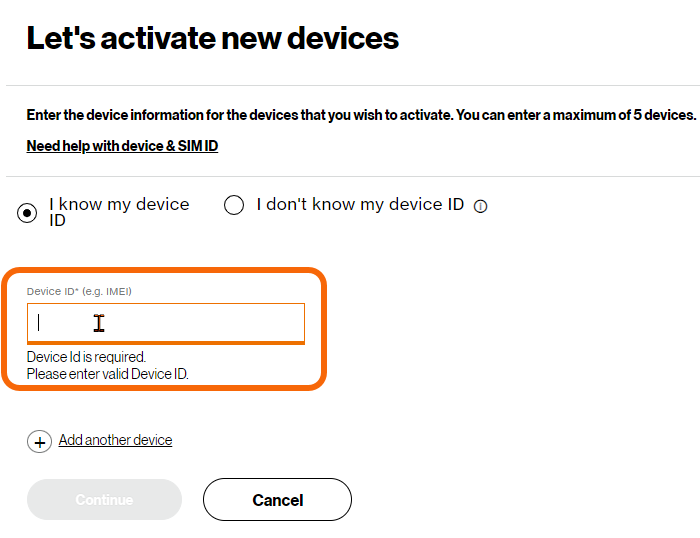
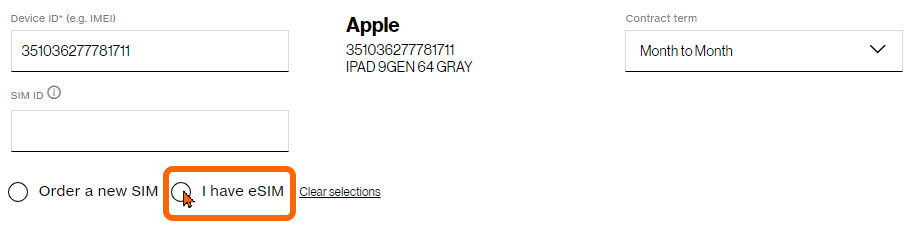
5) Enter the Device ID/IMEI. The IMEI is found on the iPad box and on the back of the iPad.
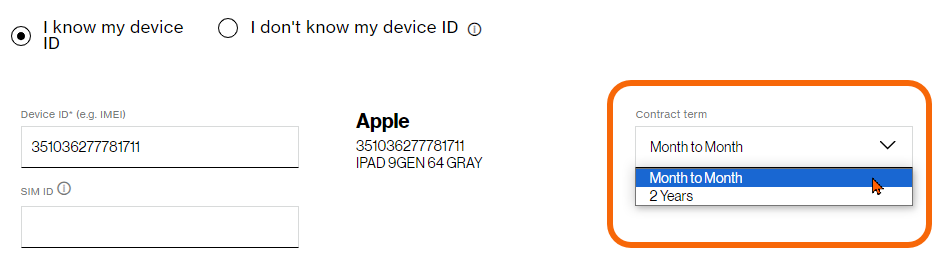
6) Use the Contract Term dropdown menu to select Month to Month.
7) Select the I have eSIM option.
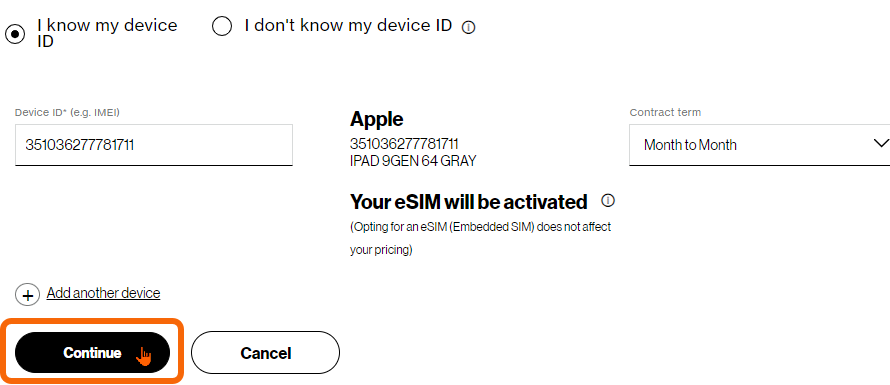
8) Click Continue.
9) Select the 3GB plan
10) Decline all device coverage
11) Click Generate Numbers
12) Enter info as shown below.
| First Name | Client company |
| Last Name | Device Serial Number |
| support@timerack.com | |
| Address | 4800 Falls of Neuse Rd. Suite 100 Raleigh, NC 27609 |
13) Complete checkout