
Users at the Administrator level have the capability to delete client portals. When a client portal is deleted, all data is permanently removed from Timerack and cannot be retrieved. The system may take a while to process the deletion; be prepared to wait or to use another browser if you want to navigate to other pages in Timerack.
This article explains how to delete a client portal.
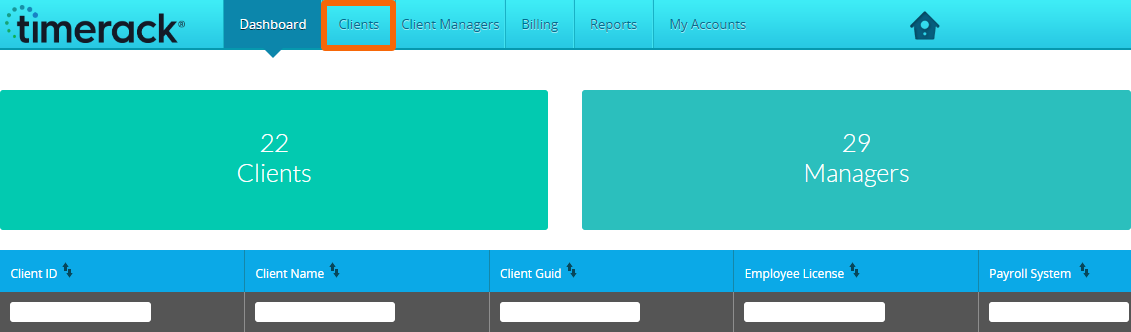
1) From the applicable Partner Dashboard, click
2) Use the Select Client dropdown menu to choose the client you want to delete.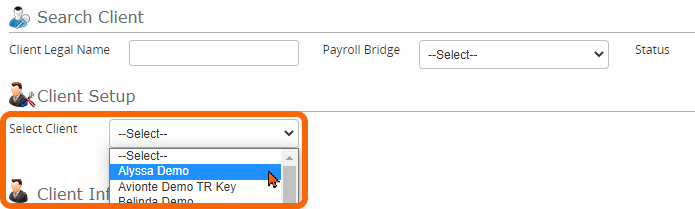
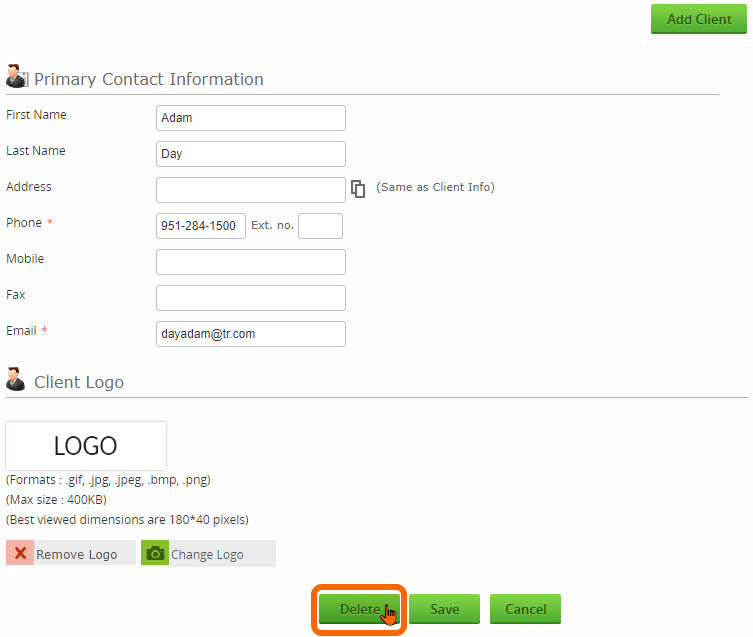
3) Click the Delete button.
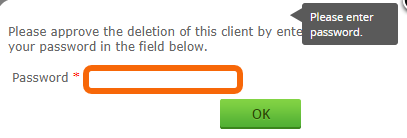
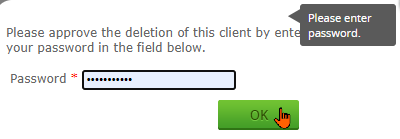
4) Enter your Timerack password to approve deletion of the client.
5) Click OK.
The deleted client will no longer display in the Select Client dropdown menu or on the Dashboard.