
1) Select the Download Updates Icon (Top Right of the Time clock) to apply the Firmware update, you will need to choose Timeco 3.62+ then Run to apply.
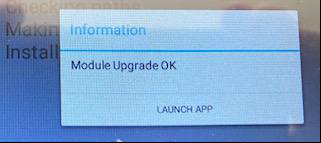
2) Once Upgrade is selected, choose Launch App.
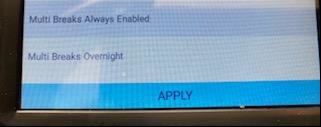
3) Once update is completed go to Settings > Verification Results> Multi- Breaks Always Enabled Then Apply.
4) Once applied you may begin to use the Lunch Lockout.