
Once you have logged into JAMF, you will be able to perform certain functions for each device as well as get all the information for the iPAD. This is useful to determine if it is on a cellular signal.
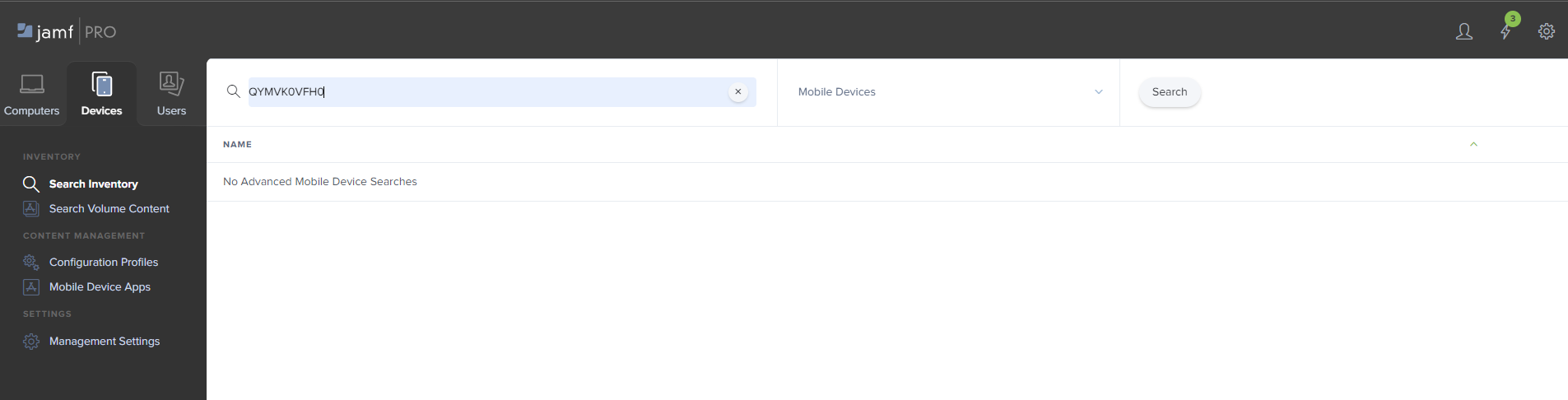
To begin, you will need to log into JAMF and click on "Devices". Simply input the serial number and click "Search":
Once you have selected the device you want, you will be taken to a screen with 3 tabs. Click "Management" to perform the remote functions to assist you with your ticket.
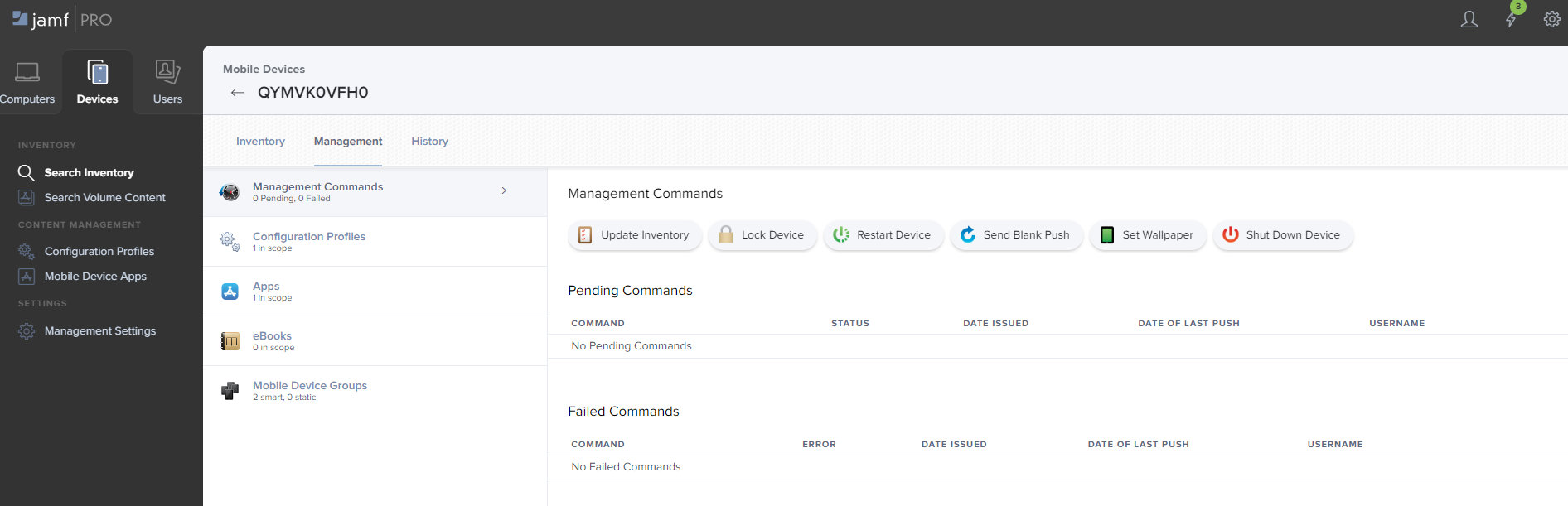
Once the app has been deleted from the iPAD, you will need to push it back out and go through the steps to connect it to the portal. Clicking "Update Inventory" will automatically push out the kiosk app to the device.
